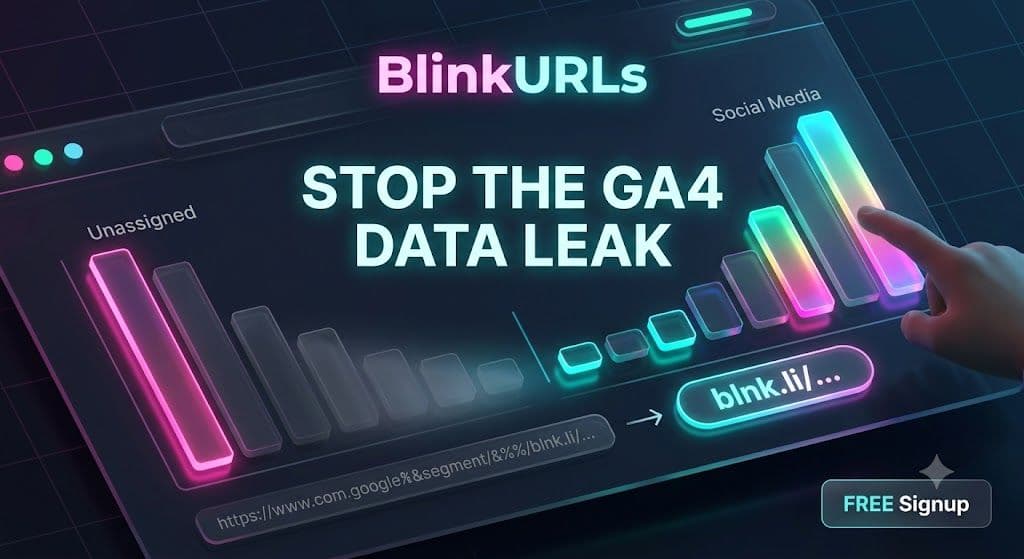
Are you watching a significant portion of your valuable social media traffic disappear into the dreaded 'Direct' or 'Unassigned' categories within Google Analytics 4 (GA4)? You are not alone. This invisible drain on your attribution efforts is costing marketers critical insights and distorting campaign performance. The issue often stems from what's known as GA4 Dark Social Tracking, a complex problem where traditional tracking methods falter, leading to incomplete or entirely missing data for platforms like Facebook, Messenger, and private groups. The good news? There's a powerful, often overlooked solution to fix this.
Understanding why your social traffic goes missing is the first step toward reclaiming your data. Modern browsers and social platforms, in their quest for privacy and speed, frequently strip away crucial referral information. This means direct messages, private group shares, and even some public posts on platforms like Facebook and WhatsApp often arrive at your website without a clear origin. When this happens, Google Analytics 4, lacking the necessary attribution parameters, defaults these sessions to 'Direct' or 'Unassigned' traffic, leaving a gaping hole in your Social Media Attribution reports.
The Hidden Problem: Why Your Social Traffic Isn't Attributing in GA4
The core of the problem lies in how various social platforms and browsers handle outgoing links. Many platforms employ aggressive link shorteners, redirect chains, or privacy features that deliberately remove or obfuscate UTM parameters and referrer data. For instance, a link shared in a private Facebook group or via Facebook Messenger might undergo several internal redirects before a user reaches your site. Each hop in this redirect chain increases the risk of losing vital tracking information, ultimately impacting your Google Analytics 4 Traffic Source accuracy.
Consider scenarios where:
- A user clicks a link shared in a WhatsApp chat or Telegram group.
- A link is posted within a private Facebook group, community, or event page.
- Someone copies and pastes your link directly into an email or another messaging app.
- Browser extensions or privacy settings interfere with tracking scripts.
In each case, your meticulously crafted UTM parameters can vanish, rendering your GA4 Dark Social Tracking efforts futile. This phenomenon is a primary culprit behind the frustratingly high percentages of Unassigned Traffic GA4 users frequently report.
Stop Facebook Link Redirects From Showing as Unassigned in GA4
Facebook, in particular, presents unique challenges. Its ecosystem is designed to keep users within its platform, often leading to internal redirects that strip traditional referrer data. This can make accurate Facebook Link Tracker data difficult to obtain, pushing valuable clicks into the 'unassigned' bucket. The key to overcoming this is to control the link's journey from click to landing page, ensuring that tracking parameters are preserved every step of the way.
Traditional methods of UTM tagging, while essential, are often insufficient on their own. They don't account for the aggressive stripping of referral data by social media apps or the complex redirect chains that can occur. This is precisely where a robust link management solution becomes indispensable.
Reclaim Your Data: The BlinkURLs Solution for GA4 Dark Social Tracking
To accurately track your social media performance and finally resolve the issue of Unassigned Traffic GA4, you need a smart link management strategy. This is where BlinkURLs steps in. BlinkURLs provides a free, powerful platform engineered to combat dark social challenges by ensuring your tracking parameters not only survive but thrive across every click.
The secret lies in BlinkURLs's advanced redirection infrastructure. Unlike standard link shorteners that can introduce lag or even inadvertently drop parameters, BlinkURLs employs a global network with sub-50ms edge redirection. This means that when a user clicks a BlinkURLs link, they are redirected to your destination URL almost instantaneously, with all your crucial UTM parameters, including the Facebook-specific fbclid, perfectly intact. This rapid and reliable redirection ensures that your GA4 Dark Social Tracking efforts are finally effective.
How to Fix Unassigned Traffic in Google Analytics 4 with BlinkURLs
Integrating BlinkURLs into your social media strategy is straightforward and highly effective. Here’s how you can leverage its features to eliminate unassigned traffic and gain precise Social Media Attribution:
- Create Branded, Trackable Links: Use BlinkURLs to shorten your long, parameter-rich URLs into clean, branded links. This not only makes your links more appealing but also centralizes their management.
- Utilize the Free BlinkURLs UTM Builder: Before shortening, use the intuitive BlinkURLs UTM Builder to add comprehensive UTM parameters to your destination URLs. This ensures every click is tagged with the correct source, medium, campaign, content, and term. This is especially crucial for distinguishing between different social platforms and specific campaigns.
- Preserve All Parameters: BlinkURLs's redirection technology is designed to carry forward all existing URL parameters, including
fbclid, Google Click ID (GCLID), and your custom UTMs. This guarantees that when the user lands on your site, GA4 receives all the necessary information to correctly attribute the session. - Bypass Redirect Issues: The lightning-fast redirection minimizes the chances of referral data being stripped by intermediate social platform redirects. This means your clicks from organic Messenger and private group links will finally show up correctly in your GA4 reports, providing accurate Google Analytics 4 Traffic Source data.
The Best UTM Builder to Fix GA4 Acquisition Reports
For marketers looking to refine their acquisition reports, the BlinkURLs UTM Builder is an indispensable tool. It simplifies the process of creating flawless UTM tags, ensuring consistency and preventing common errors that lead to fragmented data in GA4. By standardizing your tagging process, you provide GA4 with the clear, unambiguous data it needs to correctly categorize your traffic, reducing that pesky 'unassigned' segment significantly.
Imagine knowing precisely which Facebook group generated a conversion, or how many users clicked your link in a private WhatsApp message. This level of granularity is no longer a pipe dream. By channeling your social links through BlinkURLs, you transform opaque 'dark social' traffic into transparent, attributable data.
Beyond Attribution: The Benefits of a Centralized Link Strategy
Accurate GA4 Dark Social Tracking is just one benefit. By using BlinkURLs as your central link management platform, you also gain:
- Enhanced Link Performance: Branded short links instill trust and improve click-through rates.
- Detailed Analytics: Monitor click performance directly within BlinkURLs, including geographic data, device types, and time-based trends, providing an additional layer of insight alongside your GA4 data.
- A/B Testing Capabilities: Easily test different destination URLs or content variations by simply updating your BlinkURLs link without changing the shared URL.
- Robust Redirection Control: Manage link expiry, set up password protection, or implement geographic routing with ease.
Stop letting dark social obscure your true marketing performance. It's time to take control of your links and ensure every click contributes to a complete and accurate picture of your digital efforts in GA4.
Take Action: Test Your Links and Reclaim Your Data
The days of guessing where your social traffic originates are over. With BlinkURLs, you have the power to accurately track every social click, preserving your UTM parameters and turning 'unassigned' traffic into valuable, actionable insights. Don't let your hard-earned social media engagement vanish into the shadows of GA4.
Ready to see the difference? Visit BlinkURLs today and start creating trackable, high-performance links for all your social media campaigns. Fix your GA4 Dark Social Tracking problems and boost your Social Media Attribution with precision.
Shorten & Tag Up to 50 URLs in Bulk
Batch process multiple marketing campaign links at once. Apply shared tags, preserve query parameters, and export to CSV instantly.
Reviews & Comments
Join the conversation. Share your thoughts, rate this article, and help us improve.
Reader Activity (0)
No approved reviews yet. Be the first to leave a comment!
Leave a Review
Your email address will not be published. Required fields are marked *
Deploy on High-Performance Infrastructure
Hostinger provides fast, secure, and affordable web hosting for your brand.
Sub-50ms Edge Redirects
Don't let slow links kill your conversion rate. Experience the world's fastest redirect engine.
Stay ahead of the curve
Elevate your growth alongside 5,000+ elite link scientists receiving our weekly insights on optimization and digital scale.
Fix Broken Facebook Previews Instantly: Bypass Debugger Hassles (Free)
More from Social Media
View all
Stop Guessing: Fix Instagram Link Tracking for Bio, Stories & Reels (Free)
Fix Broken Facebook Previews Instantly: Bypass Debugger Hassles (Free)